
Account
Your Bilby account contains all the information you've shared with a partner. It also gives you access to important parts of the system such as bookings, activities you're running (for partners who allow their members to run activities), payments made through the system, control your notifications, privacy and more.
Accessing your account
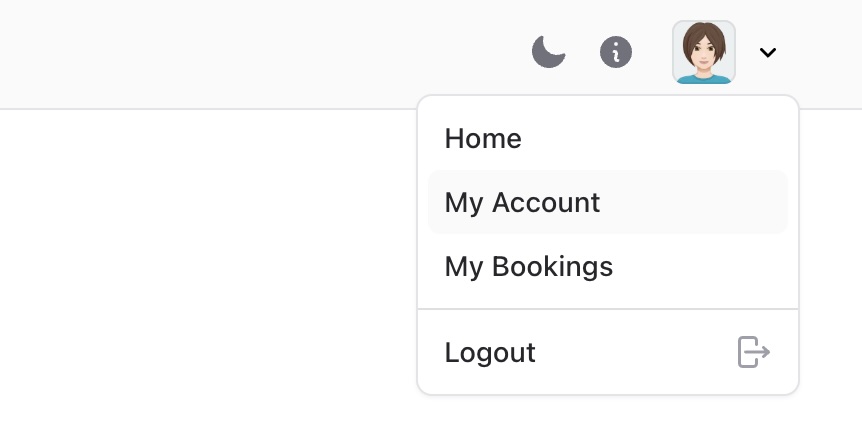
Once you've signed up with a partner and created your account, you can access it anytime in Bilby. Use the avatar icon on the top right of the screen on Desktop or Mobile.
TIP
Bilby will ask you to verify your account before you can access any services
Update your details
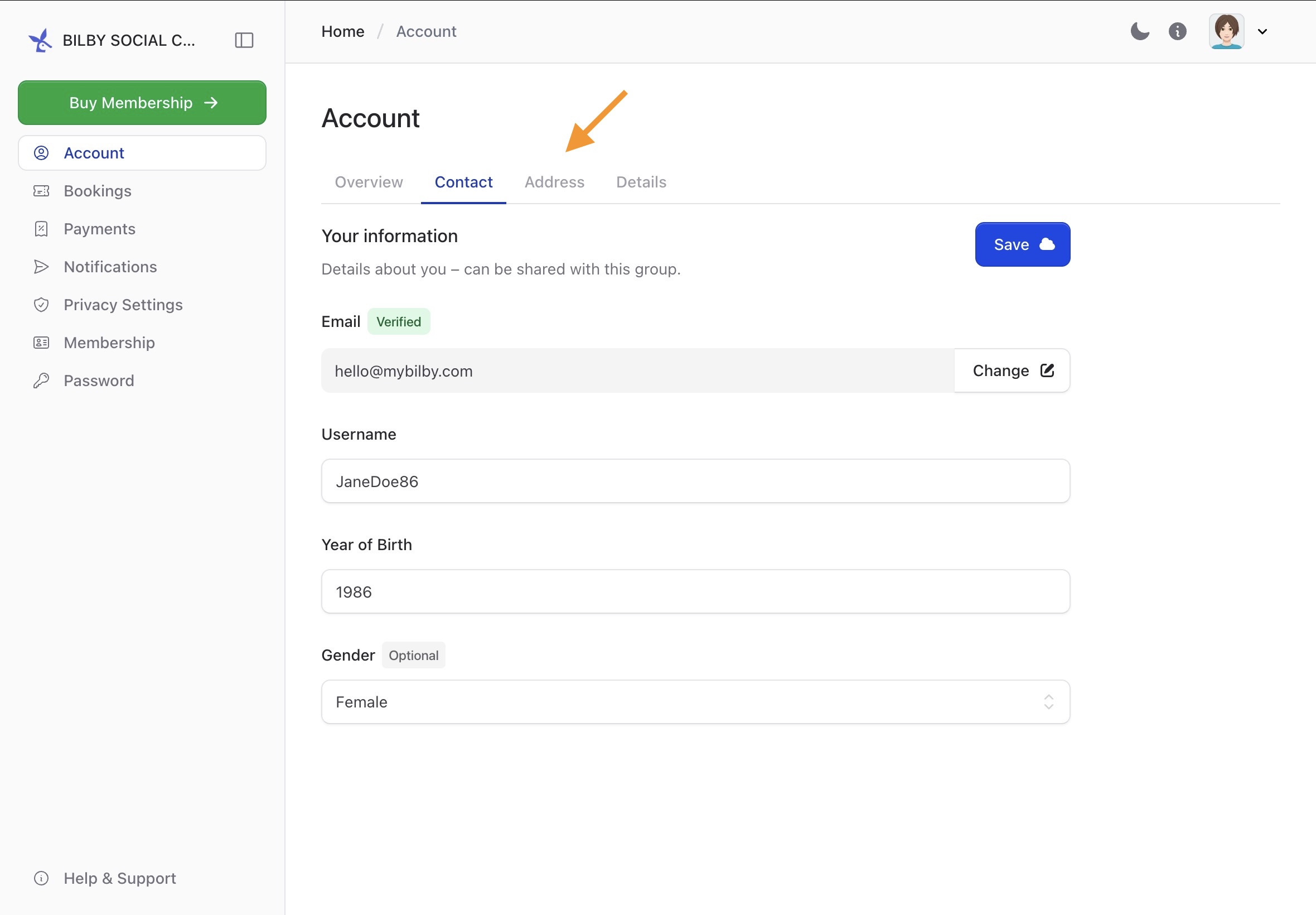
Your main account contains all the important information about you. Update your Contact information, Address or Details to complete your profile.
Partners can request additional information such as Agreeing to specific terms, or to know a little more about you to help provide their service.
Verifying your account
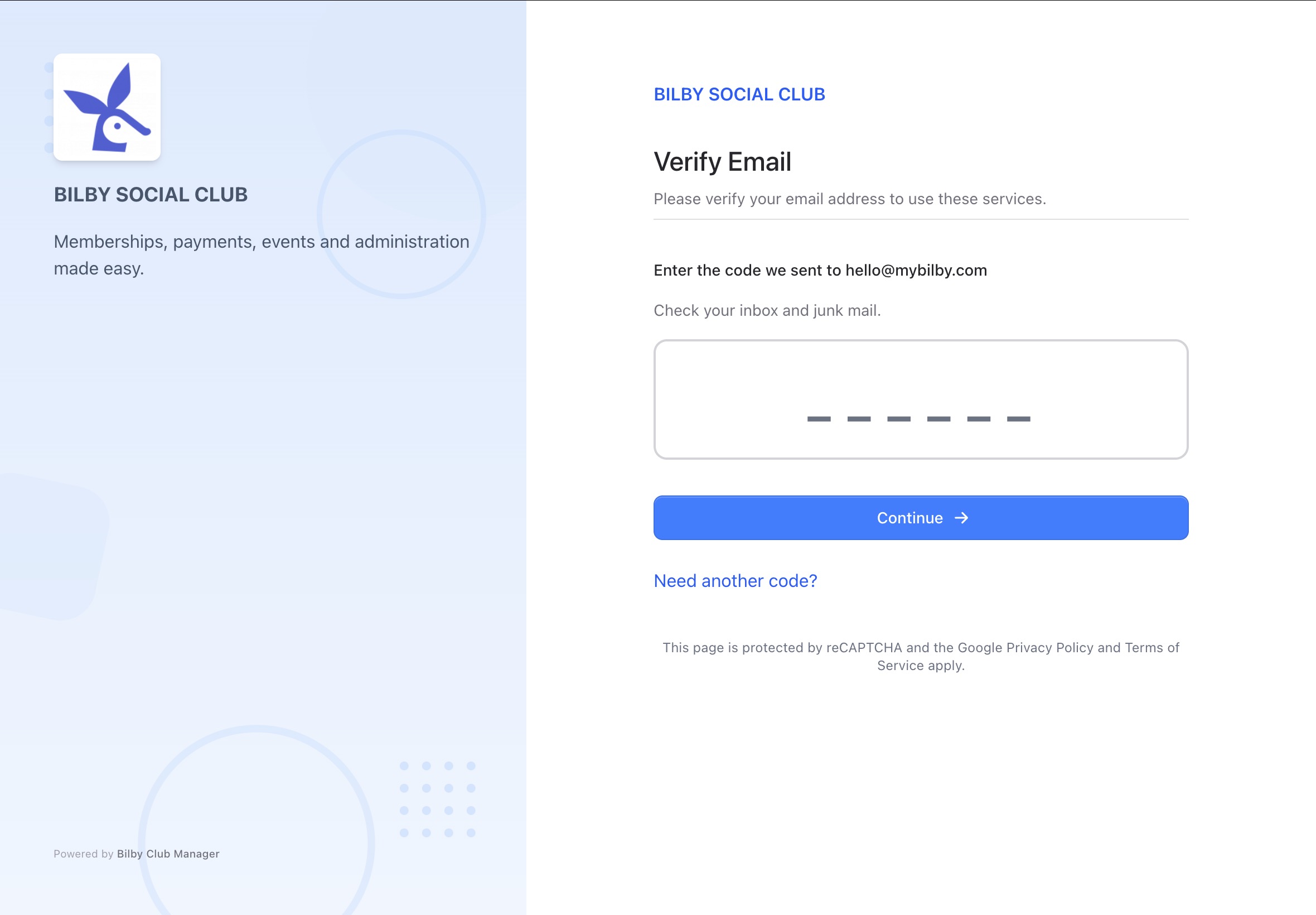
When creating a new account or changing your email, you will need to verify your account. Bilby will direct you to a page where you are asked to input a code sent to your email inbox.
WARNING
If you have entered the wrong email, you will need to contact an administrator to change your email address.