
Activity Officers
Activity Officers can administer activities and bookings for their group. They can view and publish activities, manage activities owned by other users, access user bookings, and communicate with activity owners.
Administer activities
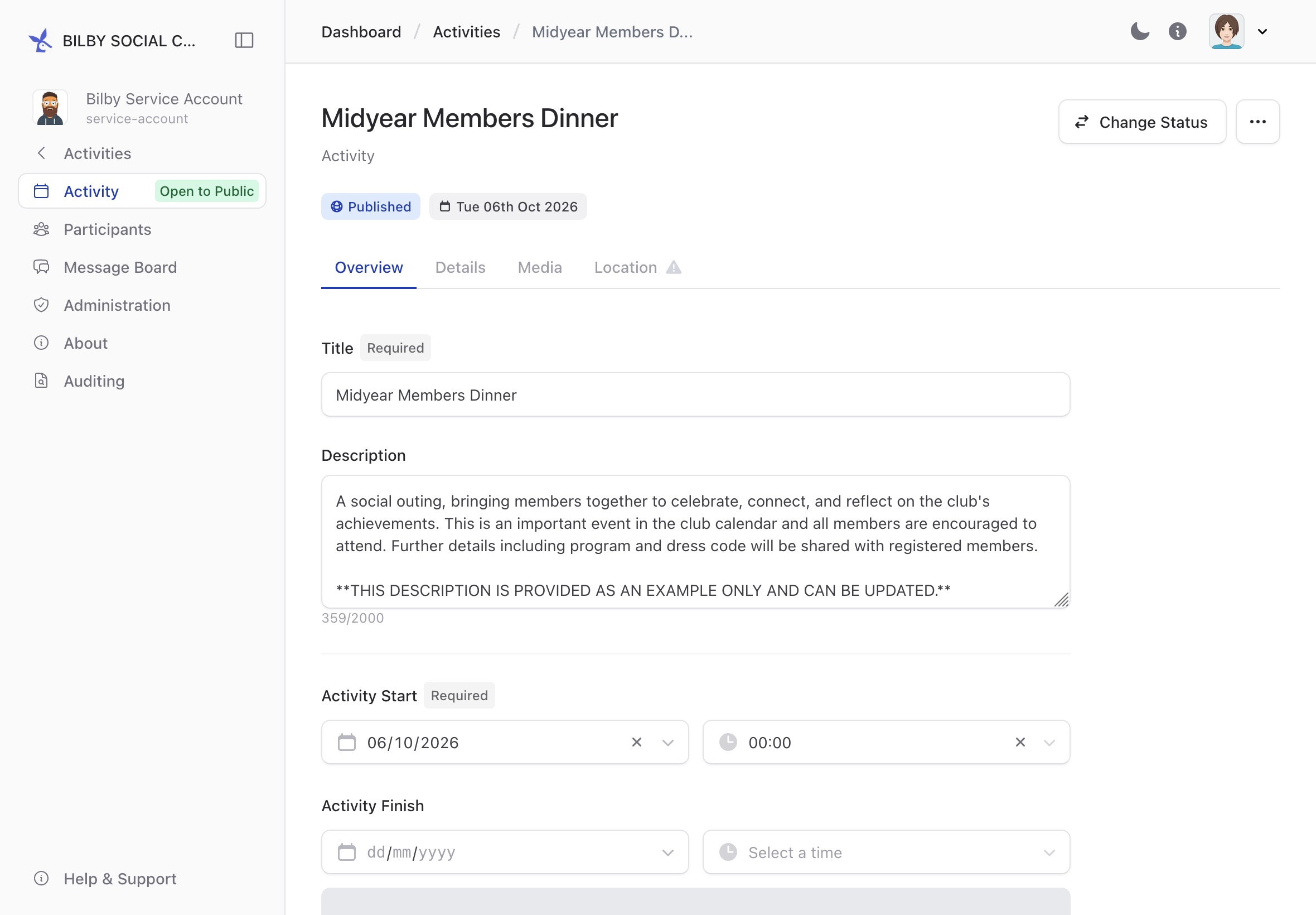
Activity Officers can administer activities on behalf of their group, including activities owned by other users. The activity administration process is the same whether you own the activity or are administering it on behalf of the group.
If you are new to activity administration, see the Activity Guides for information about creating and managing activities.
Access activities
Activity Officers can access activities administered by their group from the Activities administration page.
To access activities, select your profile button in the top-right corner of the screen, then select Administration. Select Activities from the sidebar to view the activities available to you.
Select an activity to open it and access its administration options.
Communicate with an activity owner
Activity Officers can communicate with an activity owner using the Administration Board. Posting a note on the board will notify the activity owner.
The Administration Board is available when administering an activity. See the Activity Guides for more information about using the Administration Board.
View a user's bookings
Activity Officers can access the bookings associated with a user's account. This can be useful when helping a user with an existing booking or checking their activity participation.
To view a user's bookings, go to Administration → Users and find the user in the Users report. Select the user to open their account, then select Bookings from the sidebar.
View a user's activities
Activity Officers can view the activities created by another user. This allows Activity Officers to administer activities on behalf of an activity owner.
To view a user's activities, go to Administration → Users and find the user in the Users report. Select the user to open their account, then select Activities from the sidebar.
Select an activity to open its administration page.