
Administration
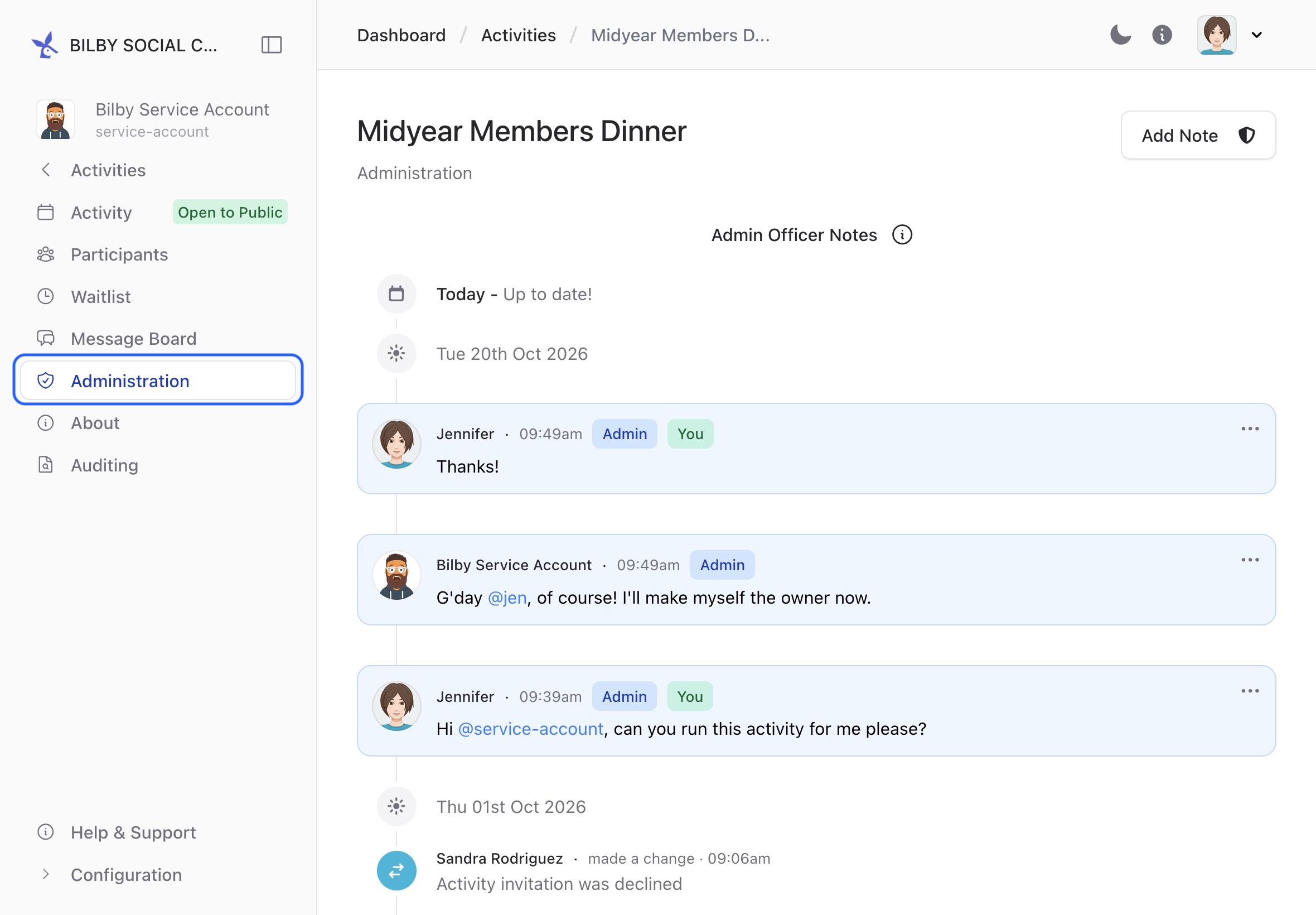
The administration board contains a timeline that shows what's been happening on an activity. This is particularly handy for communicating with other administrators or recording specific events that happened on an activity.
The administration timeline also records when users Send messages about an activity. This is a great entry point for someone who wants to ask a question or get to know the club for the first time.
View messages
To view messages sent by users, access the administration board on an activity. First navigate to an Activity, then select Administration from the sidebar.
Notify activity officers
When you're on the administration board, you can tag other administrators to send them a notification. This can be useful for getting an admin to review your changes. Simply tag an administrator with @their-username to notify them.