Activity Settings
Activity Settings let you configure defaults for the activities your organisation runs. You can configure activity pricing, visibility, fields, restrictions, locations and other activity settings.
Activity types
Activity types define the different kinds of activities your organisation runs. Examples include weekly sessions, training, meetings, social events and terms.
Activity types are especially useful when multiple people create activities for your organisation, as they provide a consistent starting point for new activities.
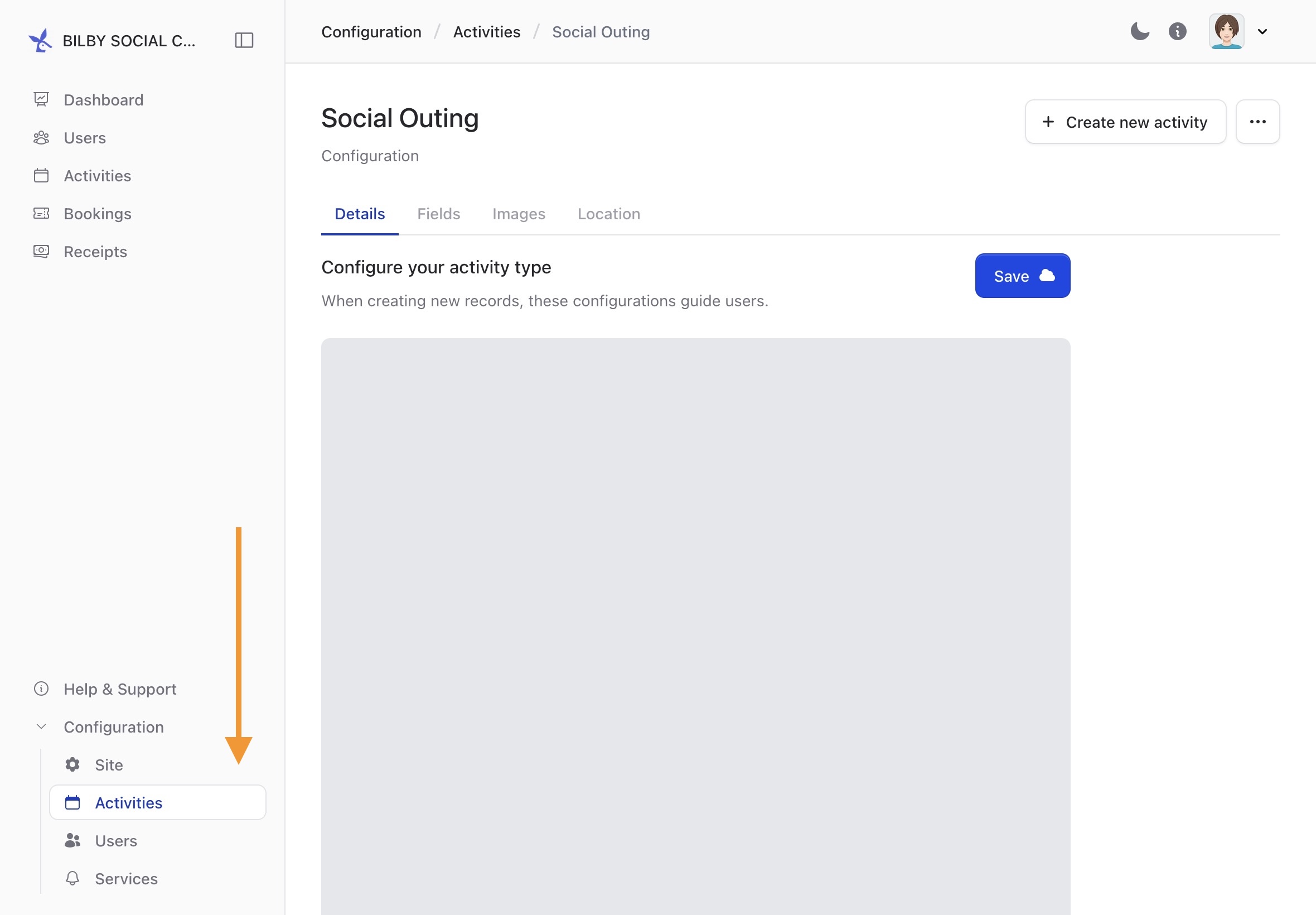
To create or manage an activity type, go to Configuration → Activities and select an activity type. When creating a new type, review the Details, Fields, Default Images and Location settings.
Once an activity type is configured, it can be used when creating new activities.